Creating an organized and clutter-free workspace can make a significant difference in your productivity and overall well-being. When your workspace is tidy and thoughtfully arranged, it’s easier to concentrate on your tasks, feel motivated, and reduce stress. Whether you work from home or in an office, organizing your setup doesn’t have to be overwhelming. Here are practical tips to help you create a workspace that supports your productivity.
Why a Clutter-Free Workspace Matters
Before diving into tips, it’s worth understanding why a clutter-free workspace positively affects productivity:
– Improves Focus: A clean environment reduces distractions and helps you stay focused on your work.
– Saves Time: Finding important documents and tools becomes faster when everything is organized.
– Reduces Stress: Physical clutter often equates to mental clutter. A tidy space fosters a calmer mindset.
– Boosts Creativity: An orderly space can stimulate creativity by clearing space for new ideas.
Step 1: Declutter Your Desk and Surroundings
Start by removing everything from your desk and giving it a thorough cleaning. Assess the items and decide what to keep, store, or discard.
Tips for Decluttering
– Sort Into Categories: Group items such as papers, office supplies, electronics, and personal items.
– Ask Yourself Questions: Do I use this daily? Is it essential to my work? Can this be stored elsewhere?
– Digitize Documents: Scan and save important papers digitally to reduce physical clutter.
– Remove Non-Essentials: Limit the number of personal items on your desk to one or two meaningful objects.
Step 2: Utilize Smart Storage Solutions
Clever storage can keep your workspace tidy and ensure your supplies are within easy reach.
Ideas for Effective Storage
– Desk Organizers: Use trays, pen holders, and drawer dividers to keep small items organized.
– Shelving Units: Place shelves nearby for books, binders, or frequently used materials.
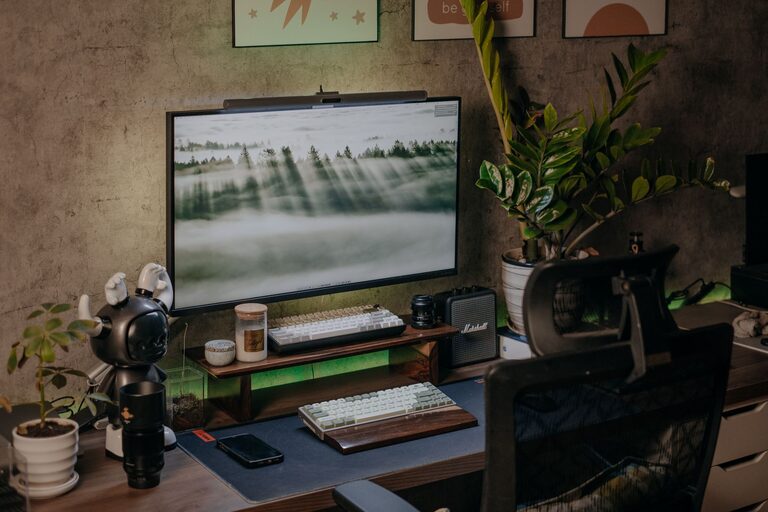
– Cable Management: Use clips or sleeves to keep cords tidy and prevent tangles.
– Labeling: Label boxes, drawers, or files to quickly identify contents.
Step 3: Create Zones for Different Tasks
Designate specific areas of your workspace for different types of work or activities.
How to Zone Your Workspace
– Work Zone: Keep your computer, keyboard, and primary tools here.
– Reference Zone: Store books, manuals, and documents you frequently consult.
– Creative Zone: Reserve space for brainstorming materials like notebooks, whiteboards, or mood boards.
– Relaxation Zone: If space allows, include a small area for breaks to rest your mind.
Step 4: Maintain Daily Habits for Organization
A clean workspace requires ongoing effort. Incorporate habits that prevent clutter from building up again.
Daily Habits to Stay Organized
– Put Items Back in Place: After using tools or papers, return them to their designated spot.
– Clear Your Desk Each Day: Spend a few minutes before finishing work to tidy up.
– Review Your To-Do List: Organize your tasks to avoid unnecessary piles of paper.
– Limit Personal Items: Keep only a minimal number of personal belongings on your desk.
Step 5: Personalize Your Workspace Mindfully
Adding a personal touch to your workspace can make it feel inviting and comfortable without causing clutter.
Tips for Thoughtful Personalization
– Choose Functional Decor: Items like a favorite calendar or an inspiring quote can be motivational.
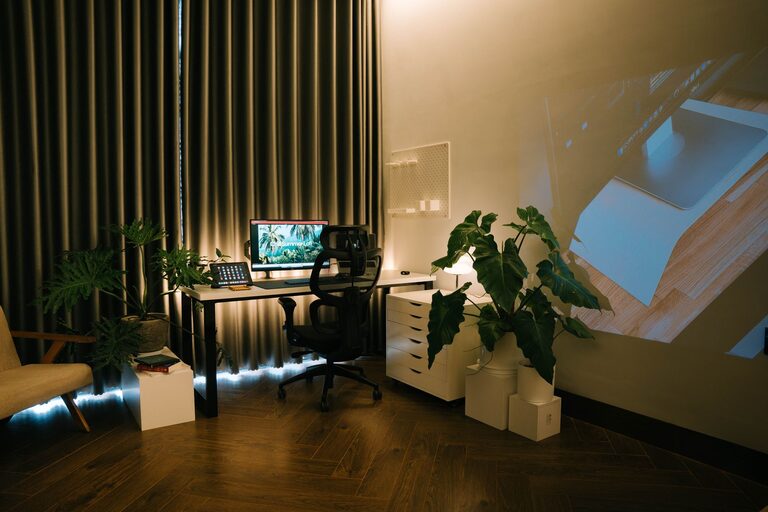
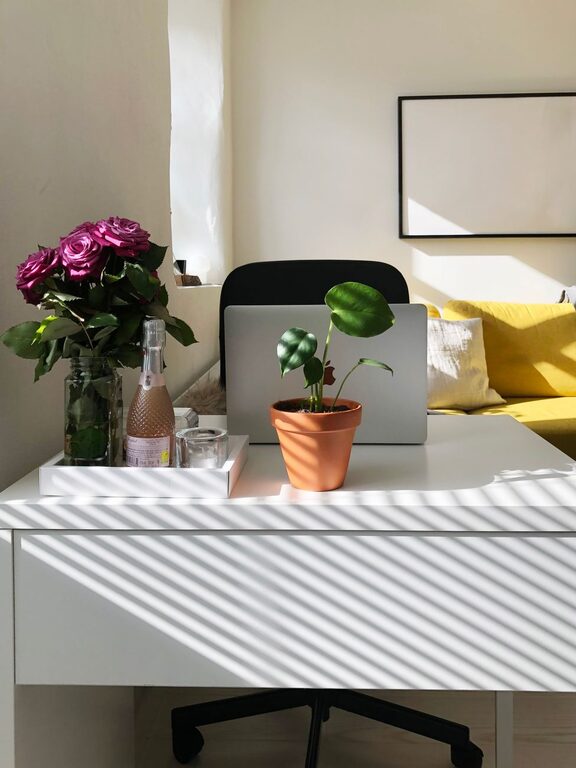
– Use Plants: Small indoor plants add color and improve air quality.
– Keep It Minimal: Avoid overcrowding your desk with decorations that can become distractions.
Step 6: Optimize Digital Organization
Physical clutter isn’t the only challenge—digital clutter can also reduce your productivity.
Digital Organization Tips
– Organize Your Desktop: Keep only frequently used icons visible.
– Use Cloud Storage: Store documents in the cloud for easy access and backup.
– Create Folders: Categorize digital files logically.
– Regularly Clean Email: Unsubscribe from unnecessary lists and archive old messages.
Step 7: Adjust Lighting and Ergonomics
A productive workspace is not just about tidiness but also comfort and good lighting.
What to Consider
– Natural Light: Position your workspace near a window if possible.
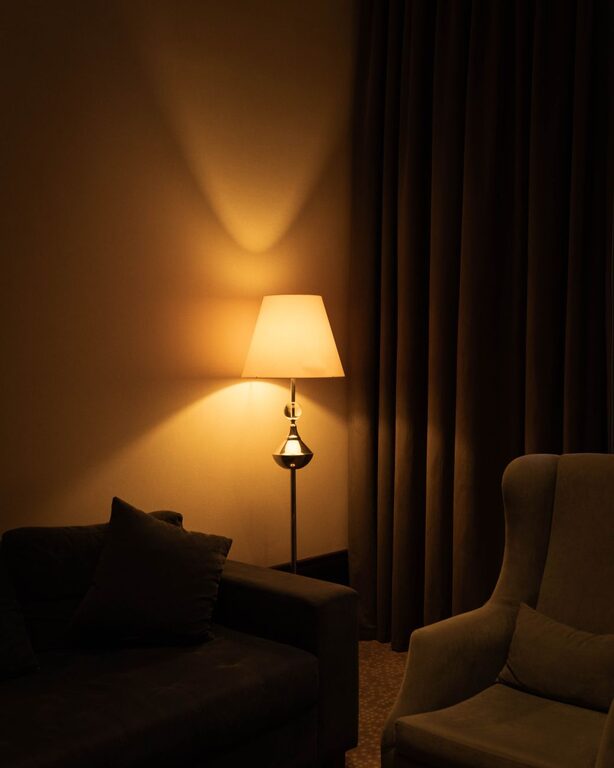
– Task Lighting: Use desk lamps to reduce eyestrain.
– Ergonomic Setup: Invest in a comfortable chair and adjust your monitor to eye level.
Final Thoughts
Organizing a clutter-free workspace is an ongoing process, but the benefits are well worth the effort. By decluttering, using smart storage, establishing zones, maintaining daily habits, personalizing thoughtfully, and optimizing digital organization, you create an environment where productivity can thrive. Start with small changes today and enjoy the positive impact of a tidy workspace on your work and mood.
About the Author