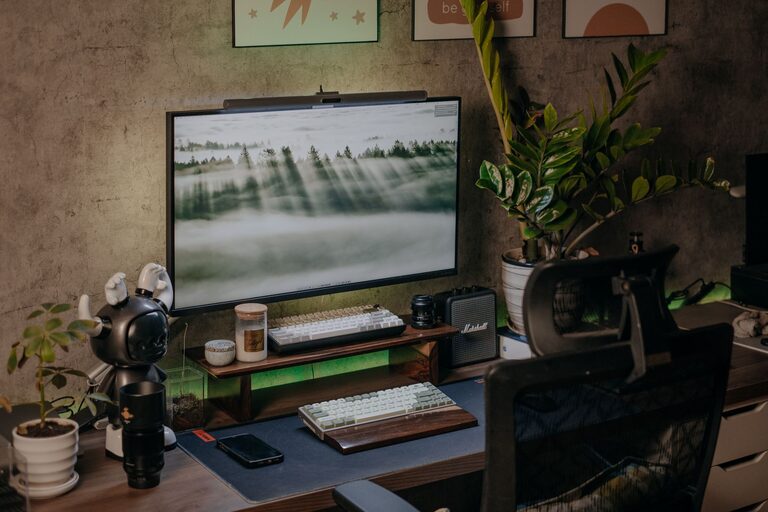
Creating a relaxing home workspace is essential for maintaining focus, motivation, and comfort when working remotely. A well-designed workspace can reduce stress and increase productivity by allowing you to work efficiently while feeling at ease. Whether you have a dedicated room or a small corner of your home, these tips will help you set up a calming and functional environment.
Choose the Right Location
Consider Natural Light
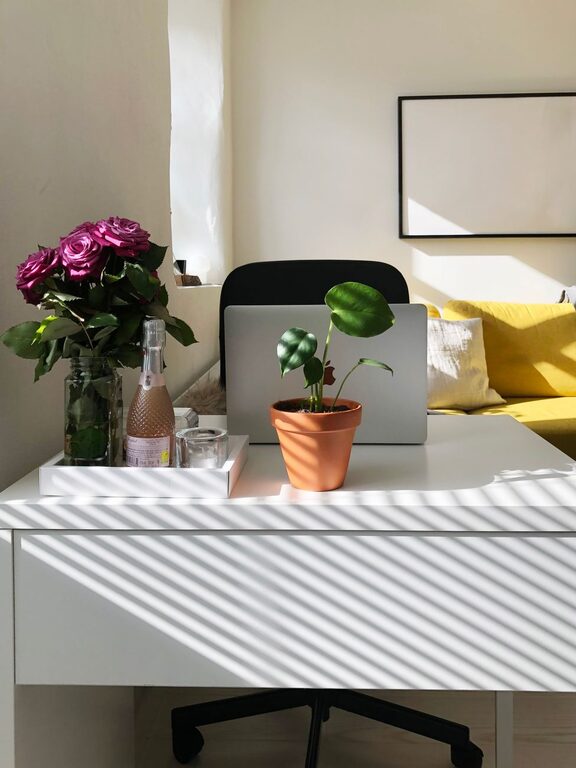
Natural light can improve mood and energy levels. Position your desk near a window if possible, to enjoy daylight throughout your workday. Avoid glare on your screen by using sheer curtains or adjusting your monitor’s angle.
Minimize Noise Distractions
Select a quiet spot away from household noise and high-traffic areas. If that’s not possible, consider noise-cancelling headphones or soft background music to create a soothing atmosphere.
Invest in Comfortable Furniture
Ergonomic Chair
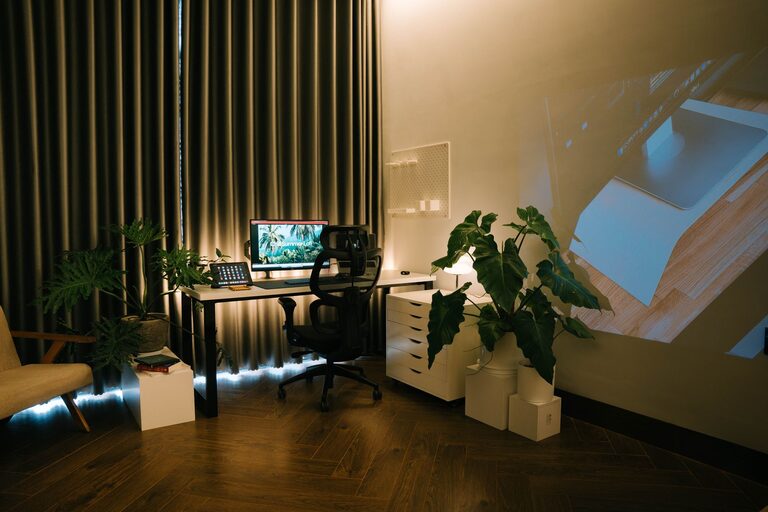
A supportive, adjustable chair reduces strain on your back and neck. Look for one that encourages good posture and provides lumbar support to keep you comfortable for long periods.
Suitable Desk
Choose a desk with enough space for your computer, accessories, and paperwork. Standing desks or adjustable-height desks offer flexibility, allowing you to alternate between sitting and standing.
Personalize Your Workspace
Soothing Colors
Use calming colors like soft blues, greens, or neutrals in your workspace décor. These hues can promote relaxation and focus.
Add Greenery
Houseplants not only beautify the space but also improve air quality and create a peaceful vibe. Easy-care plants such as succulents or snake plants are great options.
Inspirational Items
Place a few items that inspire or motivate you, such as photos, artwork, or quotes. Keep decorations minimal to avoid clutter.
Organize Efficiently
Declutter Regularly
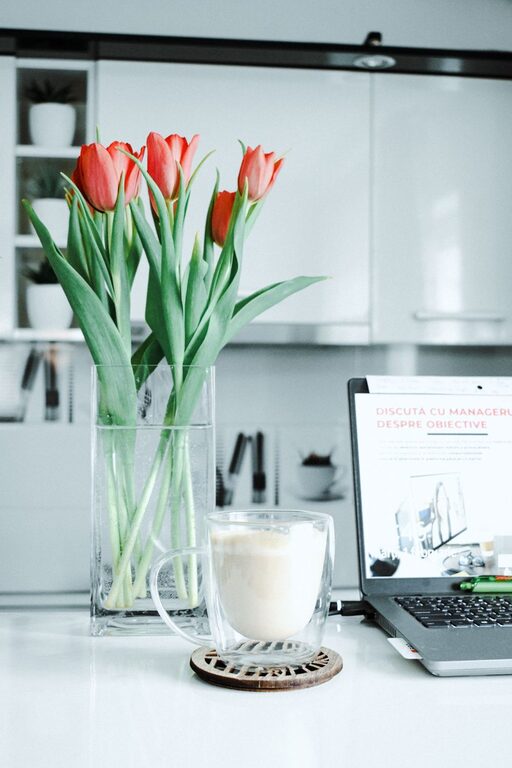
A tidy workspace helps reduce stress and distractions. Use cable organizers, storage bins, and desk trays to keep everything organized and within reach.
Use Functional Storage
Incorporate shelves, filing cabinets, or drawers to store supplies neatly. Label containers to quickly find what you need.
Digital Organization
Organize your computer files and emails to streamline your workflow. Clear digital clutter regularly to maintain efficiency.
Manage Lighting and Temperature
Adjustable Lighting
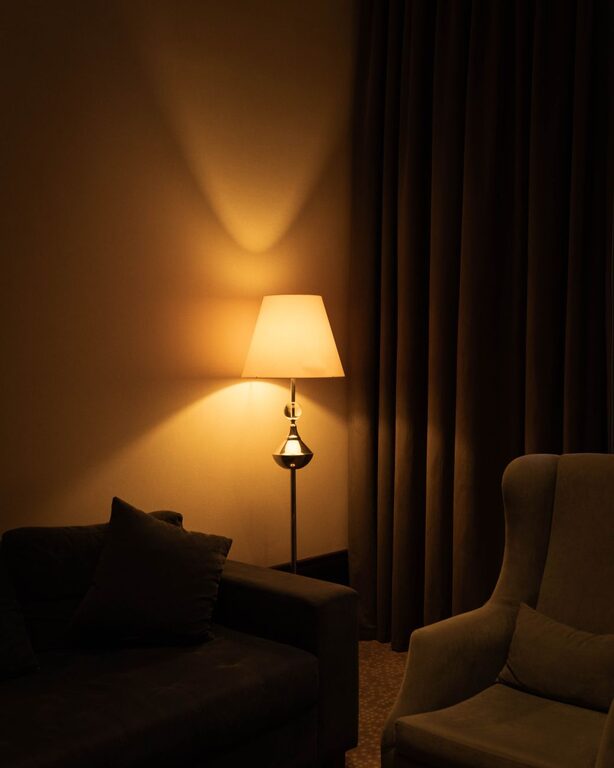
Along with natural light, use adjustable desk lamps or overhead lighting to reduce eye strain. Warm light bulbs can add a relaxing ambiance.
Control Temperature
Ensure your workspace is comfortably warm or cool. Use a fan, space heater, or open a window based on the season to maintain ideal conditions.
Promote Healthy Habits
Take Breaks
Schedule regular breaks to stretch and move around. Short walks or simple stretches help reduce fatigue and boost creativity.
Stay Hydrated and Snack Smart
Keep water and healthy snacks nearby to maintain energy levels throughout the day.
Incorporate Movement
Consider adding a small standing mat or balance ball chair to encourage movement during work.
Minimize Digital Distractions
Manage Notifications
Turn off non-essential notifications on your devices to maintain focus.
Use Productivity Tools
Apps and timers can help you stay on track and organize your tasks effectively.
Create a Relaxing Atmosphere
Aromatherapy
Use essential oils or scented candles with calming scents like lavender or eucalyptus to enhance relaxation.
Soundscapes
Play calming background sounds such as white noise, nature sounds, or gentle music to improve concentration and create a soothing environment.
—
By thoughtfully designing your home workspace with comfort and relaxation in mind, you can boost your productivity and enjoy a more pleasant workday. Remember, small changes can make a big difference in creating an environment where you feel motivated and comfortable. Experiment with these tips to find what works best for you.
About the Author