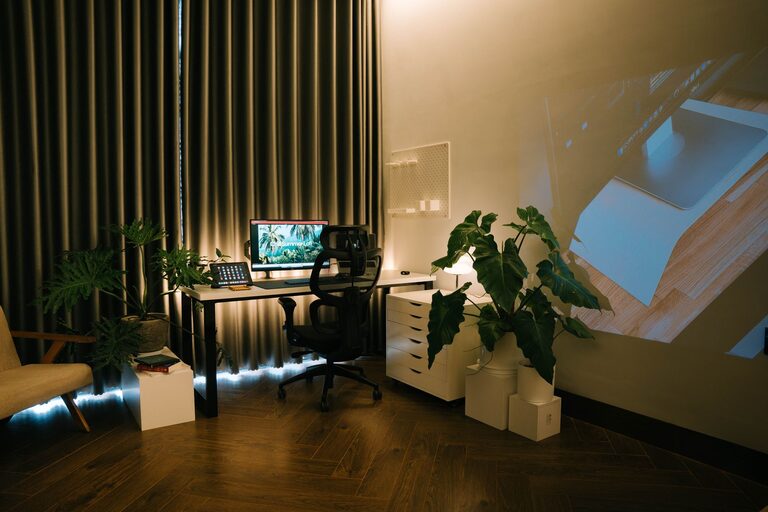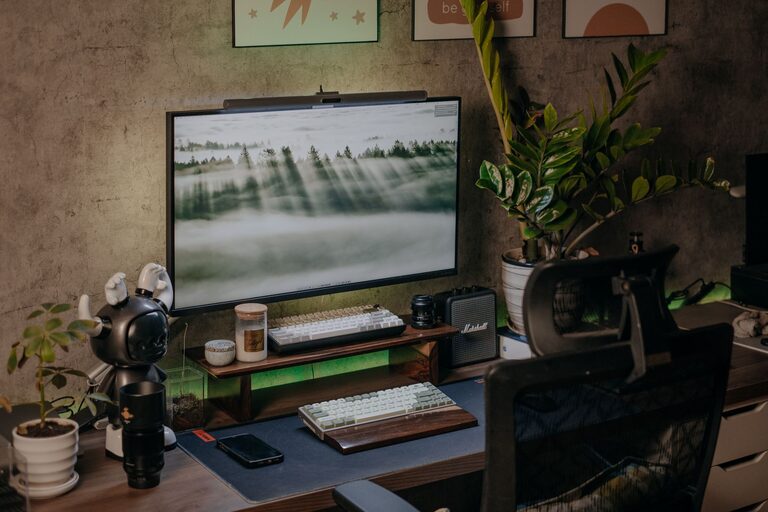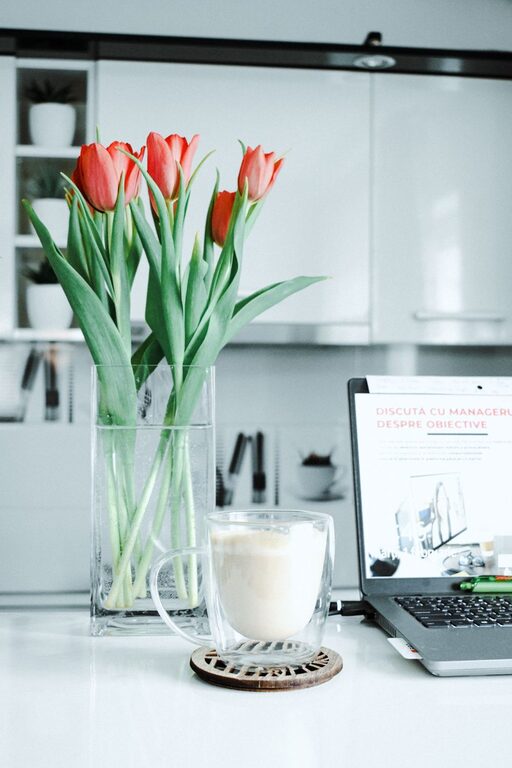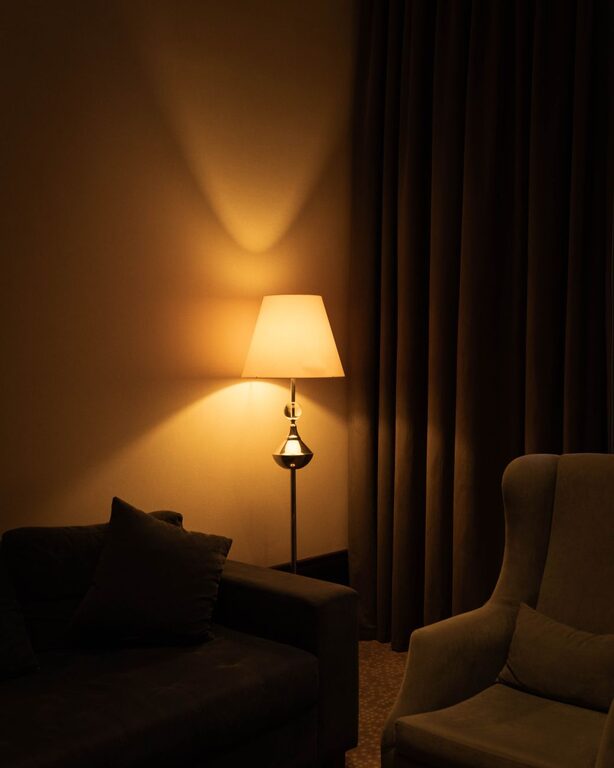
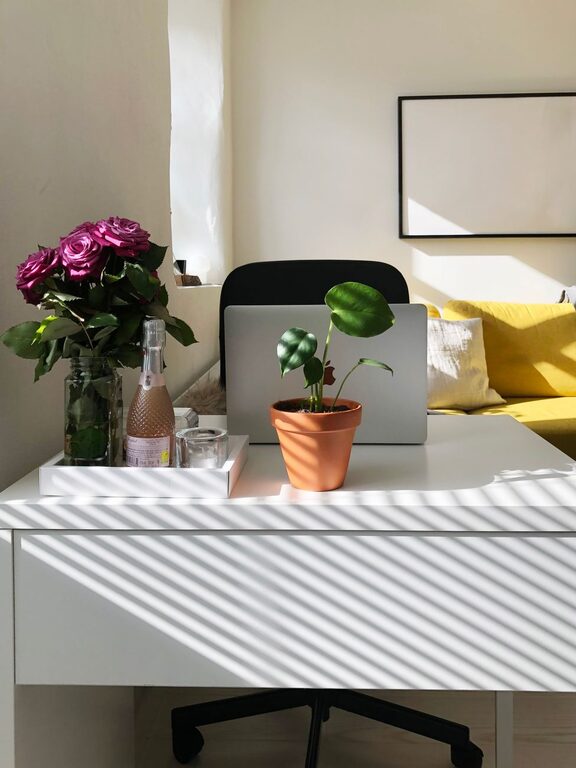
Creating a relaxing home workspace is essential for anyone who spends significant time working from home. A well-designed workspace can increase comfort, reduce stress, and boost productivity. Whether you have a dedicated room or just a corner of your living space, the key is to make it inviting and efficient. Below, we explore practical tips to help you craft a home workspace that fosters focus and relaxation.
Choose the Right Location
The foundation of a relaxing workspace starts with selecting the right spot:
– Quiet and Private: Find a quiet area away from distractions like TV or household traffic.
– Natural Light: Work near a window if possible. Natural light helps improve mood and reduce eye strain.
– Space to Move: Ensure you have enough room for your desk, chair, and any equipment you need.
If a dedicated room isn’t available, pick a consistent spot to help your brain associate that area with work.
Invest in Comfortable Furniture
Comfort is key when you’re sitting for long periods:
– Ergonomic Chair: Choose a chair that supports your lower back and encourages good posture.
– Adjustable Desk or Table: Desks that allow you to adjust height or alternate between sitting and standing can help reduce fatigue.
– Proper Desk Size: Make sure your desk is spacious enough to hold your computer, documents, and other essentials without feeling cramped.
Remember, comfort doesn’t mean overly plush—support matters most for long-term use.
Organize with Purpose
A cluttered workspace can lead to a cluttered mind. Here’s how to keep your area organized:
– Declutter Regularly: Remove unnecessary papers, gadgets, or items you don’t use daily.
– Storage Solutions: Use shelves, drawers, or boxes to keep supplies orderly and easy to find.
– Cable Management: Tidy cables with clips or sleeves to avoid tangles and distractions.
An organized space helps you focus and saves time searching for what you need.
Personalize Your Environment
Adding personal touches can make your workspace more inviting:
– Plants: Small indoor plants improve air quality and provide a calming visual connection to nature.
– Artwork or Photos: Pictures that inspire or relax you can boost your mood.
– Colors: Choose soothing colors like blues, greens, or soft neutrals for your walls or accessories.
Personalization should promote calmness without overwhelming your senses.
Control Lighting and Temperature
Good lighting and temperature directly affect comfort and concentration:
– Task Lighting: Use adjustable desk lamps to reduce eye strain, especially during evening work.
– Avoid Glare: Position your screen to minimize reflections from windows or overhead lights.
– Comfortable Temperature: Keep your workspace at a temperature that helps you stay alert but comfortable—typically between 68°F and 72°F.
Adjust these settings regularly based on the time of day and season.
Minimize Noise Distractions
Sounds can either enhance or disrupt your concentration:
– Noise-Canceling Headphones: These are great if you cannot control background noise.
– Soft Music or White Noise: Some find calm background sounds helpful in maintaining focus.
– Soundproofing: Use rugs, curtains, or wall hangings to absorb excess noise in your space.
Experiment to find what noise level works best for you.
Establish a Routine and Boundaries
A relaxing workspace also depends on your habits:
– Set Work Hours: Define your schedule and stick to it, to separate work time from personal time.
– Take Breaks: Step away from your desk every hour to stretch or walk around, which helps reduce tension.
– Limit Non-Work Activities: Avoid using your workspace for unrelated tasks to keep you mentally engaged.
Clear boundaries help sustain productivity and relaxation.
Use Technology Wisely
Technology tools can improve your work-from-home experience:
– Ergonomic Accessories: Use keyboard trays, mice, and monitor stands for better posture.
– Apps for Focus: Consider productivity apps that block distractions or encourage breaks.
– Reliable Equipment: Invest in a dependable internet connection and computer setup to reduce frustration.
Choose technology that supports your workflow without adding stress.
—
Designing a relaxing home workspace takes some time and experimentation. By focusing on comfort, organization, personalization, and good habits, you can create an environment that supports your best work while helping you feel calm and refreshed. Start with small changes today, and you’ll likely notice the difference in both your productivity and well-being.
About the Author